AI chatbot basics
An AI chatbot runs on large language models and produces human-like text while you talk in real time. Older rule-based bots linked keywords to prepared replies. New systems review your complete message and often the chat history before giving an answer. Built with transformer architectures, these models are trained on billions of text samples from articles, books, forums, and documentation. That allows the software to discuss almost any subject, switch tone when you ask, and answer follow-up questions while keeping track of the conversation.
What sets a strong AI chatbot apart is its response to an unclear request. If your question has several meanings, a capable model may ask you to clarify or lay out the possible readings. A weaker system might choose one and continue with confidence, even if it's wrong. That difference matters for a business email, research recap, or meaningful choice. Treat chatbot output as an informed draft that still needs your review. AI text can include made-up or incorrect details, so check important claims against authoritative sources.
How AI chatbots respond
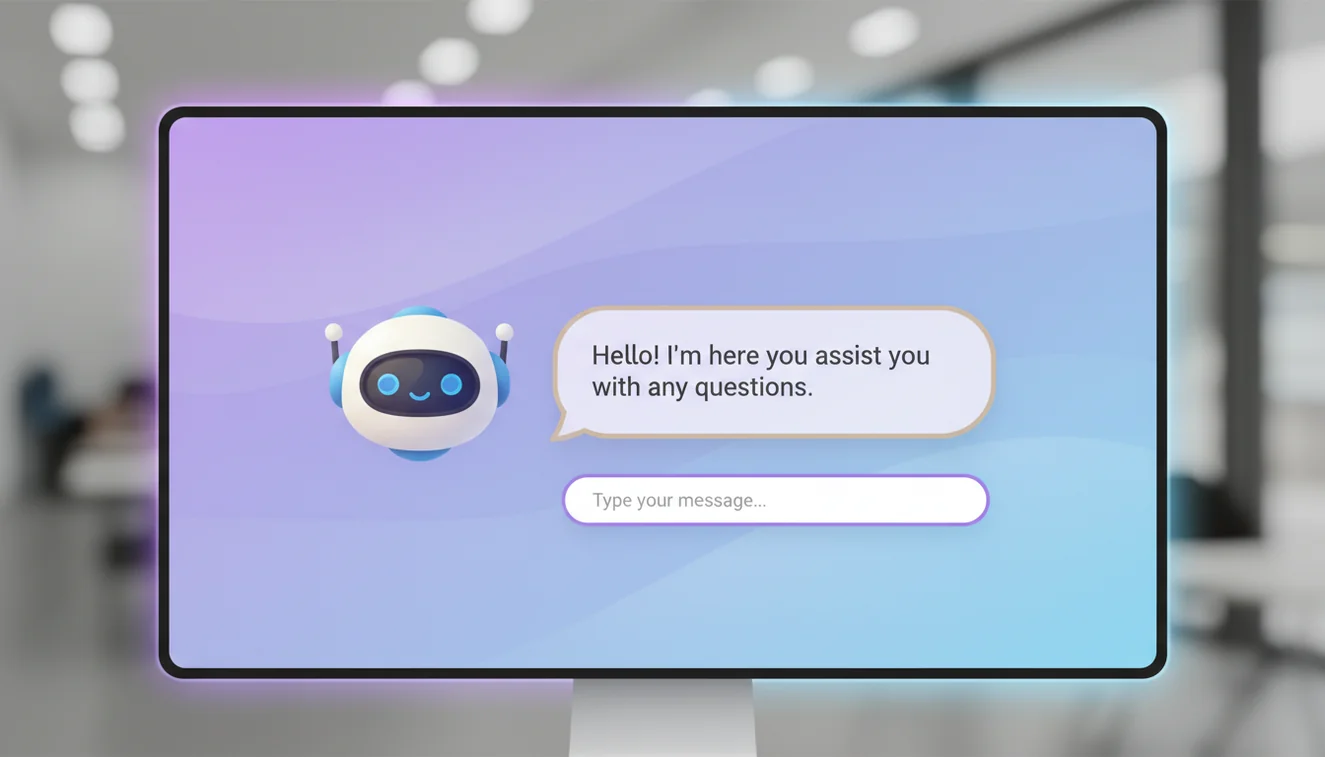
After you send a message, the AI chatbot divides it into small units called tokens. Neural network layers process those pieces together with the earlier conversation. The model then picks its most likely next token repeatedly until a complete answer takes shape. Temperature and sampling options affect how creative or cautious that answer feels. A low setting gives safer, expected replies. A high setting adds variety, along with some unexpected results.
For most chats, the technical details stay out of sight. Enter a prompt, send it, and you get an answer. Server traffic and answer length can affect wait time. The bigger issue is the context window, which sets how much earlier conversation the AI chatbot retains. With a small window, details from the beginning can disappear during a long exchange. Recent models can hold far more context, though each still has a limit. Once you pass it, the oldest messages are no longer considered.
Why choose ChatGOT's AI chatbot
ChatGOT lets you use an AI chatbot at no cost, with no account, card details, or software to install. It opens in your browser on mobile and desktop, using advanced language models for casual questions and organized drafts. Free access comes with daily message caps, but there's enough room for actual tasks instead of a brief demo. For more access, the ChatGOT app includes unlimited chats plus tools for document analysis, image generation, and AI detection.
Some platforms reserve useful features for paid plans right away. ChatGOT takes a different approach by keeping core AI chat free. You can continue a conversation across multiple turns, give detailed directions, and receive organized writing for messages, recaps, explanations, or creative pieces. It works well if you're new to AI, and it's also handy when you already switch between several tools but need a quick option for small tasks.

Practical uses for an AI chatbot
You may begin with a basic request, such as asking for a simple quantum computing explanation or a courteous follow-up email. That's only the beginning. More involved workflows can use an AI chatbot to map out a blog post, draft its parts, polish the wording, and connect ideas smoothly. Programmers can share error messages and receive debugging ideas within seconds. Students can ask for another view of a confusing textbook concept, using the answer to learn instead of cheating.
Business uses are expanding fast. Support teams can send basic requests to a bot, leaving staff free to solve harder problems. Marketers ask for fresh ad versions and campaign concepts. Freelancers use chatbots for research, early drafts, and copy checks whenever work comes up. The shared benefit is time. A task that once took 20 minutes can take 2. A person still needs to review the result, but you get a useful draft instead of facing an empty page.
Limits of AI chatbots
AI chatbots sometimes invent facts. Put simply, their answers can sound certain while being wrong. A model is designed to produce plausible language, not confirm what's true. It can't check each claim against a live database or verify its own output. That may be low risk in casual chats, but the stakes rise with legal documents, health concerns, and money choices. Check any high-stakes information through reliable sources before you act on it.
Models can also repeat bias found in their training material, which may lead to unfair angles on sensitive subjects. Up-to-date knowledge requires a connection to a search API, since most stand-alone chatbots use information with a fixed training cutoff. Privacy rules differ between providers too. Some store every prompt, others strip identifying details, and some allow you to opt out completely. Review the terms before entering private or sensitive information.
Pick the right AI chatbot
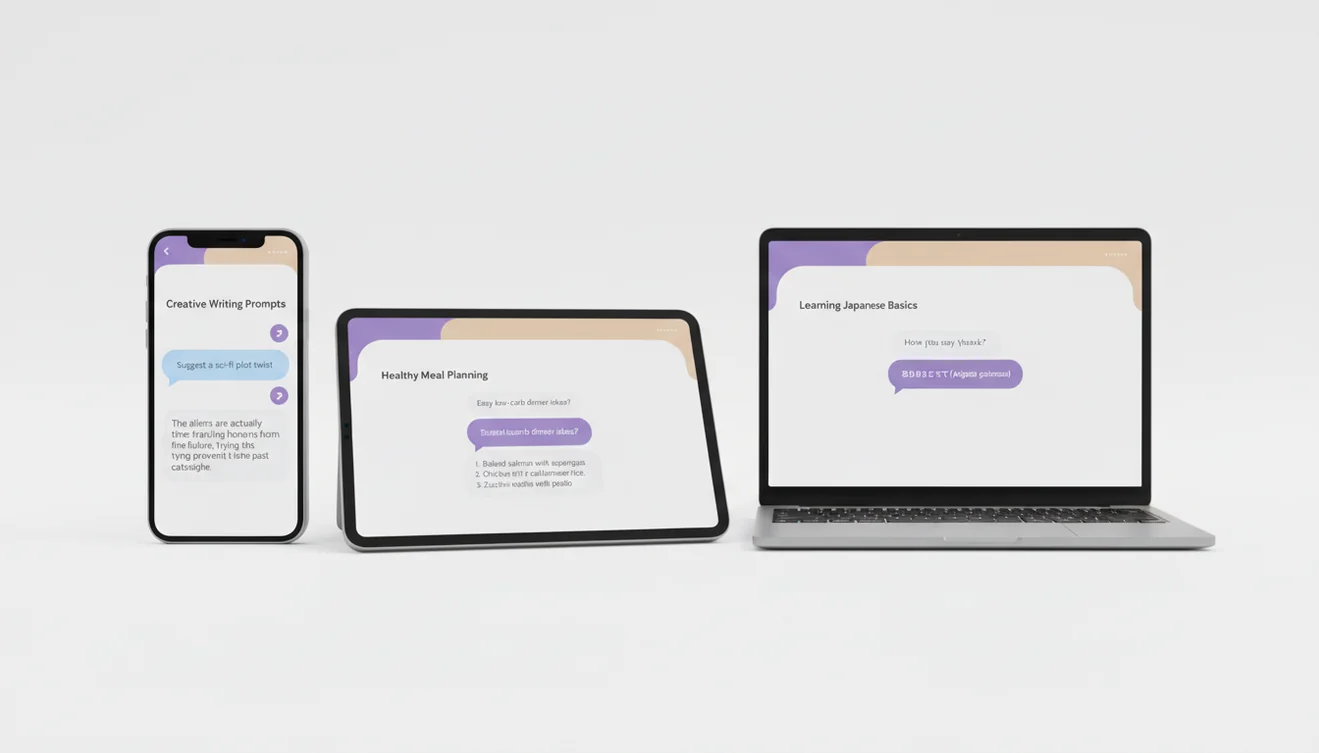
Each AI chatbot handles tasks differently, so a poor match can cost you time. For creative idea generation or free-form conversation, seek higher temperature defaults and system prompts you can adapt. For fact-based research summaries, favor models with broader training data and fewer hallucinations. Check the context window as well. If the tool loses your instructions partway through, you'll have to provide them again. Skip the standard test prompt and give it the exact job you need done. Then rate it by that output.
Mobile AI chat
Get more from AI chat on your phone with the ChatGOT app. You'll receive unlimited conversations, quicker replies, and the platform's full set of tools, such as the AI Chat Assistant, Talk to AI, and AI Writer. The app is available for iOS, and an Android version will follow soon. Free AI chat also runs in your browser.