
The State of AI on iPhone
Two years ago, AI on iPhone meant Siri - and Siri meant frustration. You'd ask something slightly complex and get a web search link instead of an answer. That era is over. Between Apple Intelligence baked into iOS 18 and a wave of genuinely excellent third-party apps, the iPhone has become the most accessible AI device most people own. You carry a machine in your pocket that can draft emails, identify plants from a photo, generate images from a text description, and hold an intelligent conversation about almost any topic. The shift happened fast. All AI tools on iPhone - both Apple's and third-party - can produce errors and should not replace professional advice for medical, legal, or financial decisions.
What's interesting is how the ecosystem split into two layers. Apple provides the foundation - on-device processing, system-wide Writing Tools, Image Playground, Clean Up in Photos, Visual Intelligence, and a dramatically improved Siri that handle everyday AI tasks without installing anything. Third-party apps like ChatGOT, ChatGPT, Gemini, Claude, Perplexity, and Grok provide the depth - open-ended conversation, specialized tools, and the ability to do things Apple's built-in features simply weren't designed for. Understanding both layers is how you get the most from AI on your iPhone, and most people I talk to only know about one or the other.
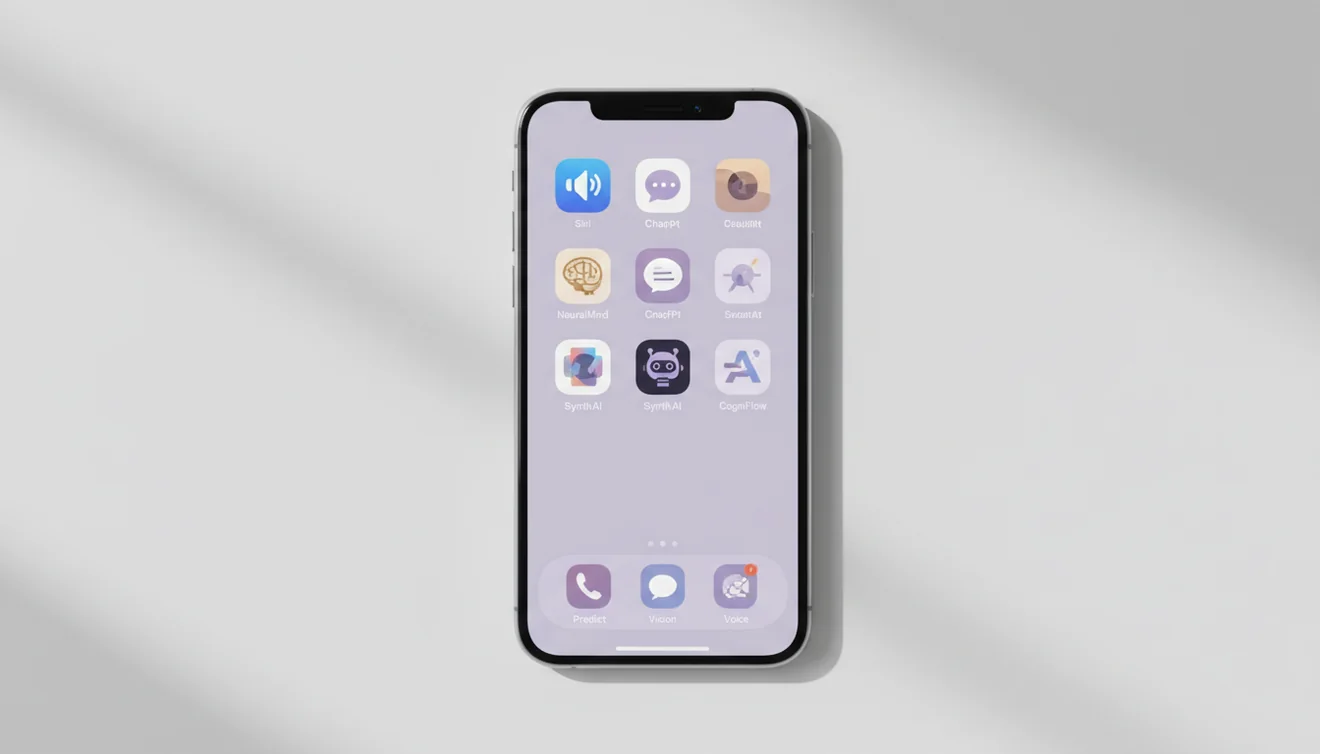
Built-In: Apple Intelligence and Siri
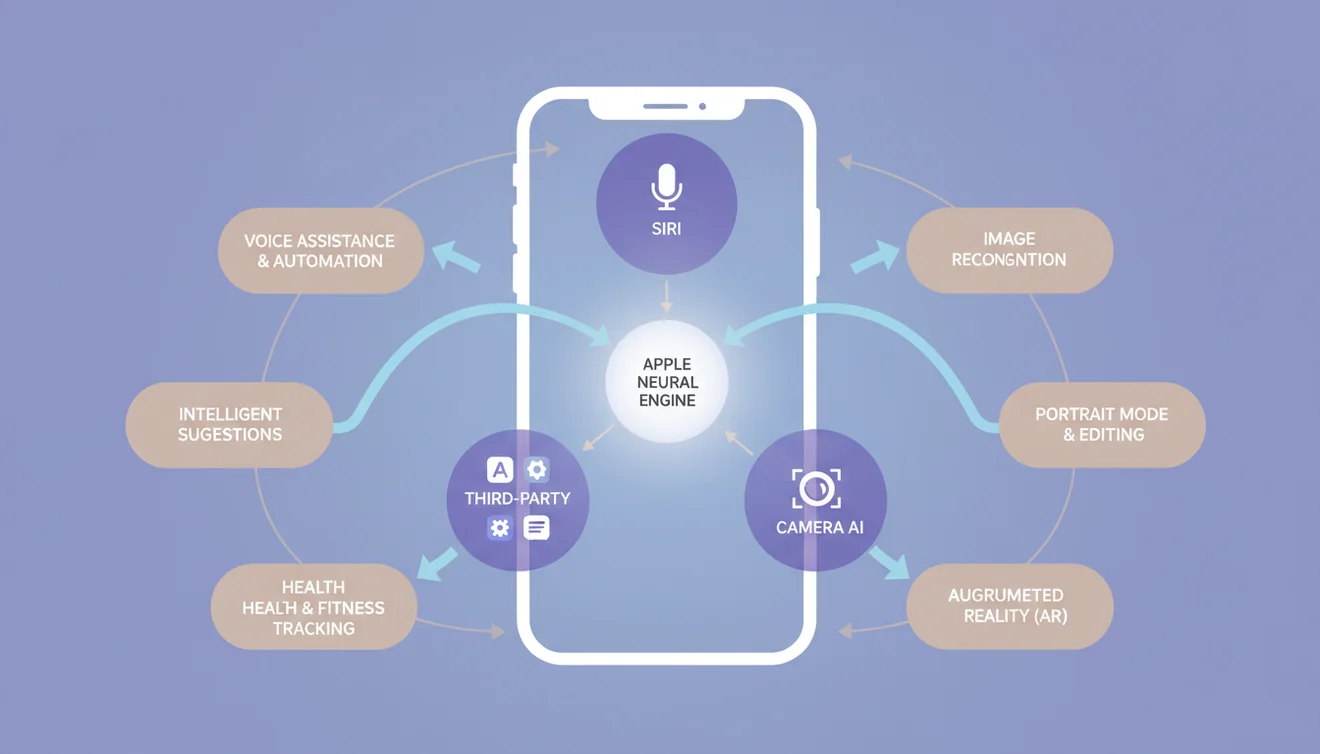
Apple Intelligence is Apple's integrated AI layer that runs across iOS 18 and later on supported devices (iPhone 15 Pro and all iPhone 16 models). Writing Tools let you proofread, rewrite, summarize, and adjust the tone of text in any app - highlight text in Mail, Notes, Messages, or any third-party app and the AI options appear automatically. Image Playground generates stylized images in Animation, Illustration, and Sketch styles. Clean Up in Photos uses AI to intelligently remove distracting objects and people from your images. The upgraded Siri maintains conversational context across follow-up questions, has on-screen awareness to understand and act on what's visible on your display, and can draw on personal context from across your apps to handle requests like "show me the photos from last weekend's hike." Visual Intelligence on iPhone 16 lets you point your camera at a restaurant, storefront, or object and instantly get information, reviews, and actions. On-device processing through Apple's Neural Engine means many features work without sending data to external servers, with Private Cloud Compute handling heavier tasks securely.
Here's the honest take after months of daily use: Apple Intelligence is great for integrated, system-level tasks. Rewriting a paragraph in an email, summarizing a long note, generating a quick image for a message, cleaning up a photo, or asking Siri a multi-step question - it handles these smoothly because it's embedded in the OS. Where it falls short is anything open-ended. You can't have a freeform AI conversation with Apple Intelligence. You can't ask it to write a 500-word blog post, analyze a complex document, or generate detailed images from creative prompts. For those tasks, you need a dedicated AI app, and that's where the third-party ecosystem becomes essential.
Third-Party AI Apps: The Real Power
The dedicated AI apps on iPhone are where the transformative capability lives. AI Chat on ChatGOT puts a full AI platform in your pocket - chat, writing, image generation, AI detection, document analysis, and image identification all in one native iOS app. ChatGPT's iPhone app now delivers Advanced Voice Mode that genuinely feels like a real conversation, plus GPT-4o and the o1 reasoning model for its 800M+ weekly users. Google Gemini connects to your Google services for personalized, multimodal AI that knows your calendar, inbox, and photos. Claude by Anthropic provides careful, nuanced reasoning with a 200K context window - the go-to for complex writing and coding. Perplexity delivers research with inline cited sources you can verify instantly. Even Grok by xAI has emerged as a contender with its real-time awareness from the X platform.
The key insight from using all of these daily: you don't need six AI apps on your iPhone. You need one great multi-purpose app and maybe one specialist. ChatGOT covers the multi-purpose role better than anything else because it bundles tools that would require three or four separate apps otherwise. If you also need voice conversation, ChatGPT complements it well. If you need cited research, Perplexity fills that gap. Most people trying to use AI productively on iPhone are best served by installing ChatGOT, exploring its tools, and only adding other apps if they find a specific gap in their workflow.
Our AI Apps for iPhone
Beyond ChatGOT as the main AI platform, we've built specialized tools that solve specific iPhone workflow needs. Lens is our AI-powered image identifier - point your camera at a plant, insect, product, or landmark and get instant identification with detailed information. It uses the same visual AI behind ChatGOT's identifier tool but packaged as a focused camera-first experience. Fly AI Email is an email assistant that drafts contextual replies, composes professional messages, and manages routine email tasks using AI - genuinely useful when you're replying to dozens of emails on your commute.
Each of these apps was built with iPhone-first design principles: fast launch times, proper iOS gesture support, and interfaces that feel native rather than ported from web. We believe the best AI for iPhone isn't a single monolithic app but a focused toolkit where each tool does its job exceptionally well. ChatGOT is the hub for general AI tasks. Lens handles visual identification. Fly handles email. Together, they cover the AI workflows that iPhone users actually encounter daily - writing, identifying, communicating, and creating.
Camera-Based AI: Visual Intelligence
One of the most underappreciated AI capabilities on iPhone is camera-based intelligence. Point your phone at something and get information about it - that's a genuinely useful daily capability once you build the habit. Apple Visual Intelligence on iPhone 16 lets you activate the camera and instantly get information about restaurants (with reviews and hours), storefronts, plants, animals, landmarks, and more - it can even summarize text or translate signs in real time. ChatGOT's AI Identifier goes deeper, analyzing uploaded photos to identify species, products, landmarks, text, and more with detailed explanations. Google Lens remains strong for product searches and text extraction, and ChatGPT's vision mode can analyze and discuss images conversationally.
I use camera-based AI more than I expected. Photographing a restaurant menu in a foreign language and getting an instant translation. Pointing at a plant in my yard to figure out if it's a weed or something I planted. Using Visual Intelligence to quickly look up a storefront's reviews. Snapping a screenshot of an error message and asking the AI to explain it. These micro-interactions don't feel like "using AI" - they just feel like your phone being smarter. That seamless quality is the future of AI on iPhone, and the apps that deliver it most naturally are the ones that stick.
Privacy and On-Device Processing
Apple made privacy a core selling point of AI on iPhone, and the distinction matters. Apple Intelligence processes many tasks using the Neural Engine on your device - your data never leaves your phone for basic Writing Tools, Image Playground, Clean Up, and many Siri interactions. When heavier cloud processing is needed, Apple uses Private Cloud Compute with independently auditable servers that never store your data. Third-party AI apps like ChatGOT, ChatGPT, Gemini, and Claude send your prompts to external servers for processing, which is why they can offer more powerful and flexible models.
ChatGOT addresses privacy concerns by not requiring accounts, not permanently storing conversations, and using encrypted connections for all data transfer. The practical approach for most iPhone users: use Apple Intelligence for tasks involving sensitive personal data, and use third-party apps like ChatGOT for general AI tasks where the content isn't confidential. No AI app on any platform should receive your passwords, financial details, or medical records regardless of their privacy policies.

Get AI on Your iPhone
The fastest way to experience AI on your iPhone right now is to open ChatGOT in Safari - it works instantly in your mobile browser with no download or account needed. For the complete experience with unlimited access, offline history, and every AI tool, download the AI Chat app from the App Store. Between Apple Intelligence features you already have and ChatGOT as your primary AI toolkit, your iPhone becomes a genuinely intelligent device - not just a smart one.