
What Makes ChatGPT Text Detectable
ChatGPT produces text with statistical fingerprints that AI detectors are trained to spot. The most telling signature is low perplexity - a measure of how predictable the word choices are. Humans write with more randomness. We start sentences oddly, use unexpected vocabulary, vary paragraph length dramatically. ChatGPT smooths all of that out. It produces clean, grammatically perfect, rhythmically uniform text that reads well but statistically screams "machine." No humanization method guarantees 100% bypass of all detectors, and detection models are updated regularly to identify previously effective techniques.
Burstiness is the other key metric. Human writing alternates between long, complex sentences and short punchy ones. ChatGPT defaults to a narrow band of sentence lengths - mostly medium, rarely very short or very long. Detectors like GPTZero and Originality.ai measure these patterns across your text and assign a probability score. The more uniform the patterns, the higher the AI score. Understanding this is the first step toward making your text pass detection - you need to break exactly the patterns that detectors look for.
How the Humanizer Tool Works
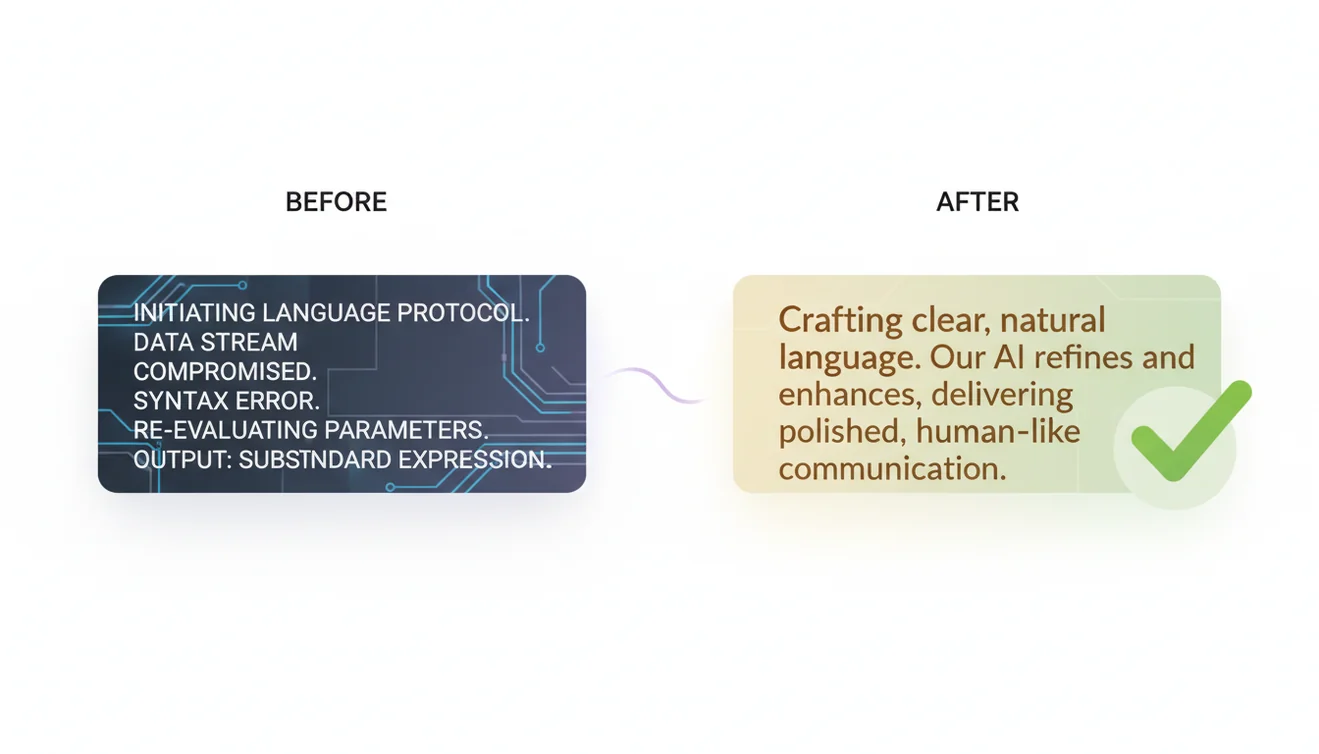
Paste your ChatGPT output into the tool above. The AI analyzes the text for machine-generated signatures - uniform sentence rhythm, overused transitions like "furthermore" and "additionally," predictable paragraph structure, and flat vocabulary distribution. It then rewrites the text to introduce natural variation: irregular sentence lengths, conversational asides, varied punctuation, and word choices that fall outside ChatGPT's comfort zone.
This isn't a synonym spinner. Cheap paraphrasing tools swap words without understanding what detectors actually measure. The ChatGOT humanizer targets the specific statistical patterns that flag text as AI-generated. It restructures at the sentence and paragraph level, not just the word level. I've tested dozens of humanization approaches over the past year. The ones that work understand the detection algorithms. The ones that don't just produce awkwardly worded text that still gets flagged. This tool falls in the first category - it's built to address the metrics detectors actually use.
Step-by-Step: Making AI Text Undetectable
The process is straightforward. First, generate your content with ChatGPT as you normally would. Don't worry about detection at this stage - focus on getting the content and structure right. Second, paste the text into the humanizer tool above and click "Humanize Text." The AI rewrites it with natural variation while preserving your meaning. Third, read the output yourself. The humanizer handles the statistical patterns, but your personal voice is what makes text truly undetectable. Add your own examples, adjust tone, and cut anything that feels generic.
For best results, run the humanized text through the AI Detector to verify the score before publishing. If specific sections still flag, rewrite those manually or run them through the humanizer again with slight modifications to your input. The combination of automated humanization and human editing produces the most consistently undetectable results. One pass through the tool usually drops detection scores significantly. Two passes with manual editing in between gets you to where most detectors can't tell.

Why AI Detection Matters
AI detection has become a gatekeeper across multiple industries. Academic institutions use Turnitin and GPTZero to flag student submissions. Publishers screen freelance content. Google's helpful content guidelines deprioritize AI-generated text that doesn't demonstrate experience and expertise. Whether you agree with these policies or not, they're the reality. Content that triggers AI detection faces real consequences - rejected assignments, terminated contracts, lower search rankings.
The demand for humanization tools exists because AI writing has become part of how people work. Content teams use AI Chat and AI Writer to draft at scale. Students use ChatGPT for research assistance. Professionals use it for emails and reports. The writing often needs human polish regardless of detection - but the detection layer adds urgency to that editing step. Humanization bridges the gap between AI efficiency and the authenticity standards that institutions now enforce.
Ethical Context and Disclosure
Here's the honest take. Using a humanizer to polish AI-assisted business content is standard practice - similar to hiring an editor or using Grammarly. Nobody expects you to disclose that spell-check fixed your typos, and humanizing an AI first draft falls in the same category for professional writing. The gray area is academic work. Most universities require disclosure of AI assistance and prohibit submitting AI-generated work as your own. A humanizer doesn't change that policy. It changes the detectability, not the ethics.
Know the rules that apply to you. If your school says no AI assistance, using a humanizer to hide it is dishonest - full stop. If your job expects you to produce content efficiently and the method doesn't matter, humanizing AI drafts is just workflow optimization. The tool itself is neutral. The context determines whether its use is appropriate. ChatGOT provides the capability; the responsibility for how it's used sits with you.
Limitations Worth Knowing
No humanizer beats every detector every time. Detection models update regularly, trained on new data that includes humanized text. It's an arms race. What passes Originality.ai today may not pass their next update. Very short text - under 100 words - is inherently harder to humanize because there's not enough material for meaningful structural variation. Highly technical content with specialized terminology can also produce awkward humanized output that a domain expert would notice.
The humanizer preserves meaning but changes phrasing. If you need exact quotes, specific data points, or precise technical language to remain word-for-word, review the output carefully. Automated humanization occasionally softens or generalizes statements in ways that alter nuance. The AI Humanizer page offers a dedicated interface for the same underlying tool with additional context on best practices.

Detector Evolution and Staying Current
AI detectors are not static software - they retrain on fresh data every few weeks, incorporating newly humanized text into their detection models. A technique that dropped your Originality.ai score to 5% in January might register 30% by March because the detector learned to recognize that specific rewriting pattern. I've watched this cycle firsthand across multiple detector updates. The practical takeaway: don't rely on a single humanization pass you tested months ago. Re-check published content periodically with the AI Detector, vary your editing approach between projects, and treat detection evasion as an ongoing process rather than a one-time fix. The writers who consistently pass detection are the ones who stay curious about how the detectors are changing, not the ones who found one trick and assumed it would work forever.
AI Humanizer App
The ChatGOT humanizer is available free on the web and as a native iOS app with unlimited requests. The mobile app is built for speed - paste text, humanize, copy the result, done. Whether you're polishing a blog post before publishing or cleaning up an email draft between meetings, it fits into your workflow without friction. Download the AI Chat app for unlimited humanization on the go.