What Is an AI Image Generator
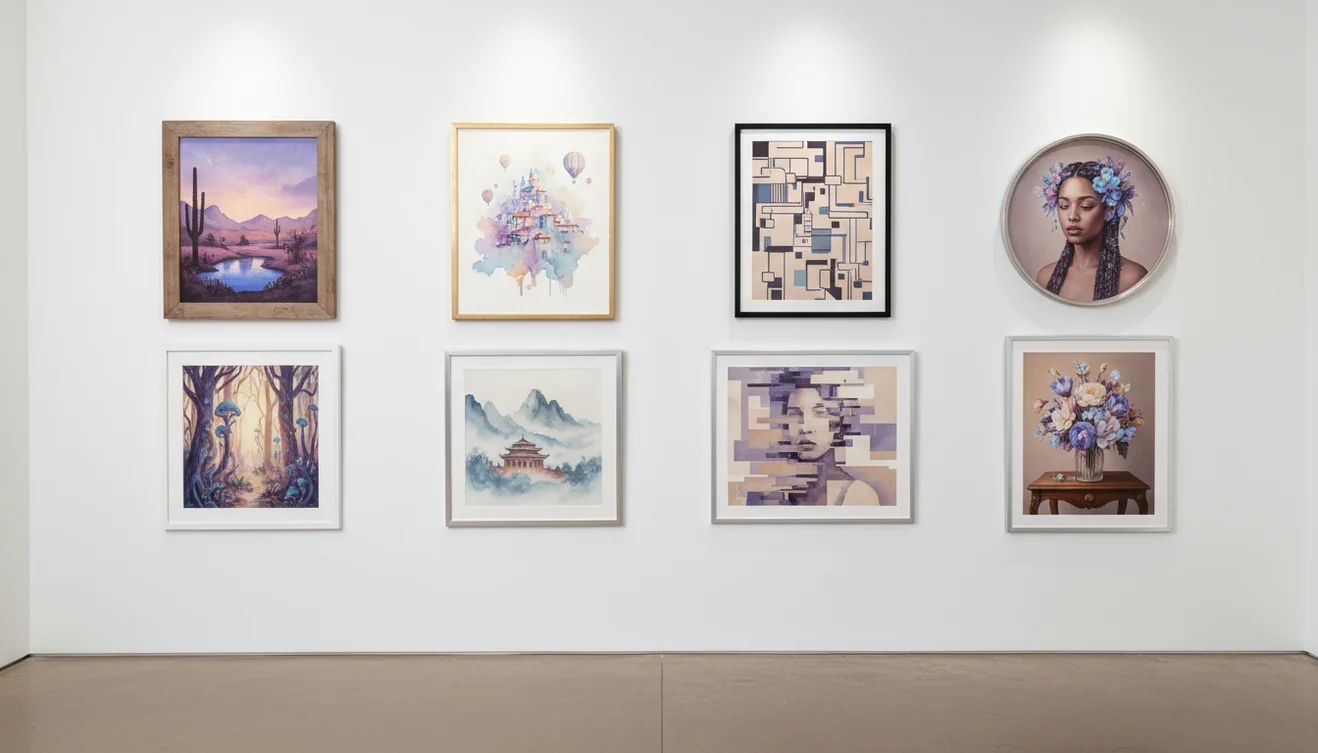
An AI image generator is a tool that creates visual content from text descriptions. You type what you want to see - "a golden retriever wearing a space helmet on Mars" - and the AI produces an image matching that description. The technology uses diffusion models or transformer-based architectures trained on millions of image-text pairs, learning the relationship between language and visual concepts. DALL-E, Midjourney, Stable Diffusion, and Gemini Imagen are the current leaders, each with different strengths in style, accuracy, and customization. AI image generators can struggle with hands, text rendering, and complex spatial relationships, and copyright law around AI-generated images remains unsettled.
The ChatGOT AI Image Generator takes a different approach. Instead of generating the image directly (which requires specialized image models separate from GPT), this tool acts as your prompt engineer. You describe what you want in plain language, and the AI transforms it into an optimized, detailed prompt that will produce significantly better results when you paste it into any image generation platform. The difference between a casual description and an expert-crafted prompt is often the difference between a mediocre image and a stunning one.
How the Prompt Optimizer Works
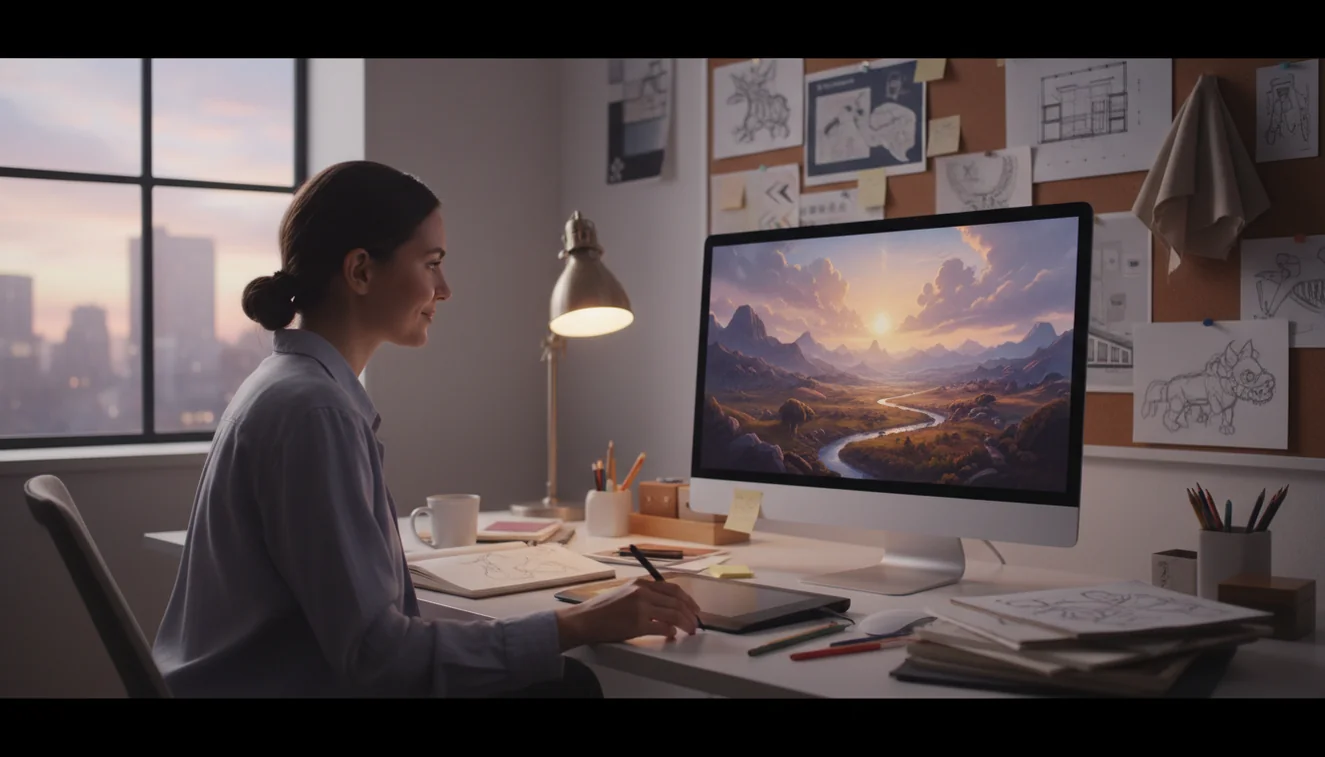
Type a simple description of the image you want. It can be as basic as "sunset over mountains" or as specific as "isometric 3D render of a cozy bookshop interior with warm lighting and a cat on the counter." Hit Generate Prompt. The AI analyzes your description and produces a detailed, technically precise prompt that includes style direction, lighting cues, composition notes, color palette suggestions, and the specific terminology that image generation models respond to best.
I've tested this with hundreds of prompts, and the pattern holds: raw descriptions produce generic images. Optimized prompts produce images that look like someone spent 20 minutes crafting the wording. The AI knows what terms trigger specific visual effects in different generators - "volumetric lighting" versus "soft ambient light" versus "cinematic golden hour" produce very different results, and most people don't know which to use when. This tool handles that translation for you. It's the difference between telling a photographer "take a nice picture" and giving them a detailed shot list.
Use Cases for AI Image Generation
Social media content is the most common use case I see. Creators need consistent visual content and can't afford custom photography or illustration for every post. AI image generation fills that gap with unique visuals tailored to specific themes, brand aesthetics, and messaging. Marketing teams use it for ad concepts, landing page heroes, and email header images. The cost-to-quality ratio has shifted so dramatically that even well-funded teams are prototyping with AI before commissioning custom work.
Designers use AI images for concept exploration and mood boards. Instead of spending hours searching stock photo sites, you generate exactly the visual direction you're imagining and use it as a reference for final production. Game developers prototype environments and character concepts. Authors create cover art mockups. Teachers generate visual aids for lessons. Small business owners create product mockups without hiring a photographer. The Nano Banana Image Generator offers a creative, playful approach to AI image creation, while AI Chat handles broader creative brainstorming when you need to develop visual concepts through conversation.
Crafting Better Image Prompts
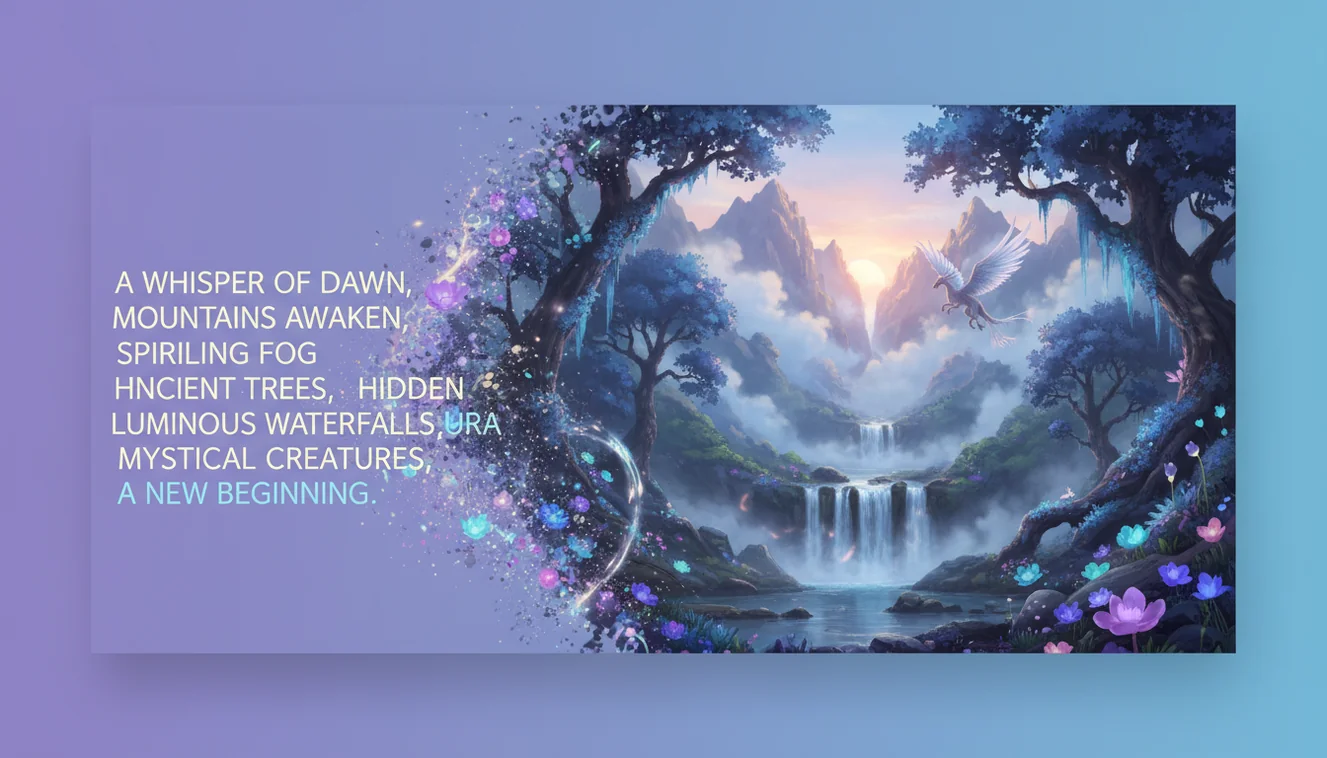
The gap between a mediocre AI image and a striking one almost always comes down to prompt specificity. Generic descriptions like "beautiful landscape" produce generic results. Effective prompts layer three things: subject clarity, stylistic direction, and technical parameters. Start with what's in the scene, then specify the art style (watercolor, photorealistic, cel-shaded, oil painting), then add lighting and mood cues (overcast diffused light, harsh noon shadows, neon-lit cyberpunk atmosphere). Mention camera perspective if it matters - "low-angle shot" and "bird's-eye view" produce dramatically different compositions from the same subject description.
Style Options and Commercial Considerations
Modern image generators support a staggering range of styles. You can request anything from Renaissance oil painting to anime illustration to architectural blueprint to vintage Polaroid. The key is using terminology the model recognizes - "Ukiyo-e woodblock print" triggers a more specific visual result than "Japanese art style." Mixing styles works too: "cyberpunk cityscape in the style of a 1950s travel poster" gives the model enough creative constraint to produce something coherent and unexpected.
Commercial use of AI-generated images remains a legal gray area that varies by jurisdiction and platform. Most major generators - DALL-E, Midjourney, Stable Diffusion - permit commercial use under their terms, but copyright protection for the output itself is uncertain. In the United States, the Copyright Office has ruled that purely AI-generated images without meaningful human authorship cannot be registered. If you're building a brand around AI visuals, layer in human creative direction and editing to strengthen your position, and always check the specific license of the tool you're using before selling or distributing the output.
Limitations of AI Image Generation
AI image generators still struggle with certain things. Hands and fingers are notoriously problematic - count the fingers on any AI-generated person and you'll often find four or six instead of five. Text rendering in images is unreliable; the AI can't spell reliably within generated visuals. Consistent character design across multiple images is difficult without specialized tools. And complex spatial relationships - "the cat is sitting on top of the box which is behind the chair" - often confuse the model.
Ethical and legal questions are real too. Copyright around AI-generated images is unsettled law in most jurisdictions. The training data for these models included images created by human artists, many of whom didn't consent to that use. If you're generating images for commercial purposes, check the license terms of your specific platform and consider the broader implications. The technology is powerful, genuinely useful, and also genuinely complicated from a rights perspective. Using the ChatGOT prompt optimizer helps you get better results faster, but the responsibility for how you use the generated images is yours.
AI Image Generator App
The ChatGOT app includes the AI image prompt optimizer along with every other tool on the platform - AI Chat, AI Writer, AI Detector, and more. Generate optimized image prompts from your phone, iterate on descriptions in real time, and copy results directly to your preferred image generator. Download the AI Chat app for unlimited access to all AI tools without daily limits.