
What Is an AI Text Generator
An AI text generator is a tool that takes a short description or prompt and produces complete written content using a large language model. Unlike AI chat, which operates as a back-and-forth conversation, a text generator is built for single-pass output - you describe what you want, hit generate, and receive the finished text. The underlying technology is the same transformer-based architecture that powers conversational AI, but the interface and system instructions are optimized for producing standalone content rather than maintaining a dialogue. AI text generators handle everything from two-sentence social media captions to 1,500-word blog posts. AI-generated content may contain factual errors or outdated information. Users should review and verify all outputs before publishing.

How AI Text Generation Works
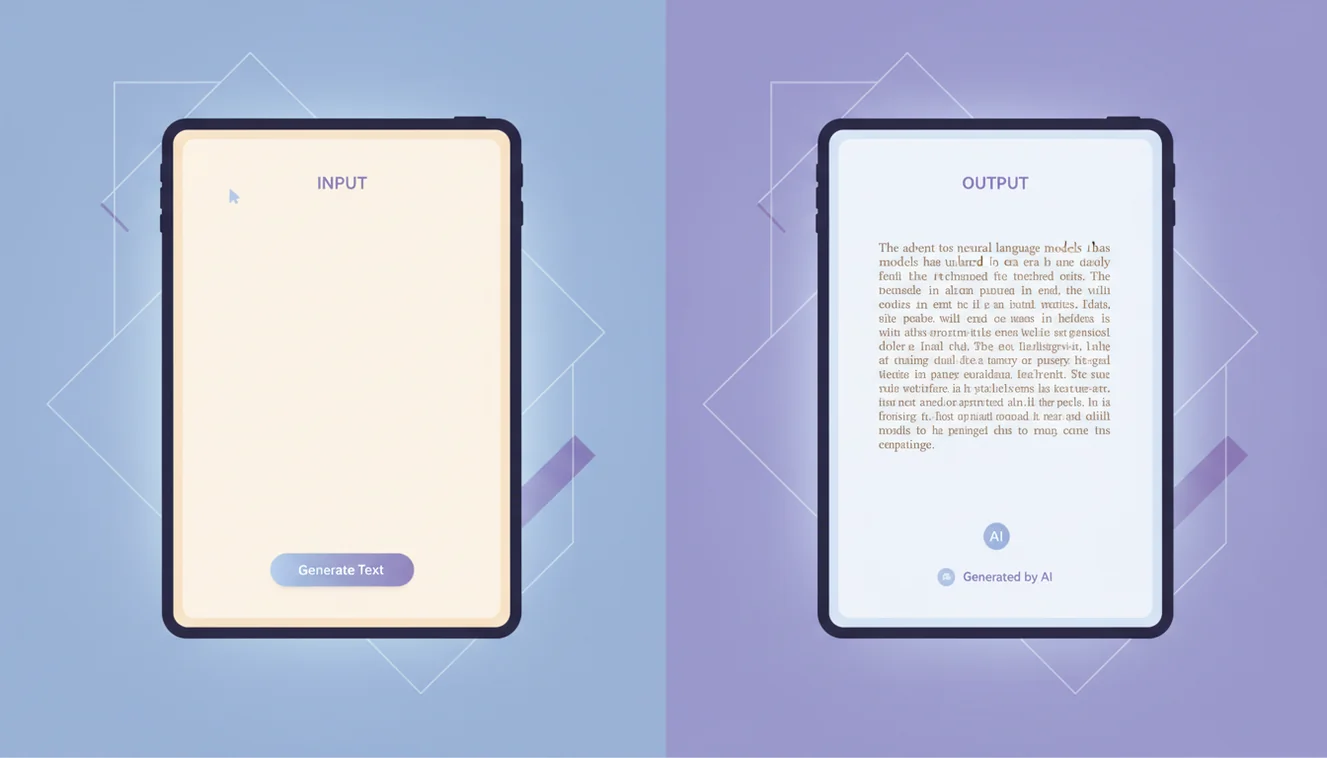
When you submit a prompt, the model tokenizes your input, processes it through billions of neural network parameters, and generates text token by token. Each token is selected based on probability distributions shaped by your prompt and the model's training data. The system prompt behind this tool tells the model to act as a content generator rather than a conversational partner - that's why you get a polished output block instead of a chatty reply.
In practice, the quality delta between a lazy prompt and a good one is massive. "Write about dogs" gets you a generic Wikipedia-style paragraph. "Write a 300-word adoption guide for first-time dog owners in apartments, warm and encouraging tone, include a section on breed size" gets you something you could actually use. I've seen people dismiss AI text generation after trying it once with a vague prompt. That's like judging a search engine by typing one word. The tool is only as good as the instructions you give it, and learning to prompt well takes maybe 20 minutes of experimentation.
Real Use Cases for AI Text Generation
The use cases that keep people coming back aren't the flashy ones - they're the mundane, repetitive writing tasks that eat hours. Product descriptions for e-commerce stores. Email sequences for marketing campaigns. Social media captions when you're out of ideas at 4pm on a Tuesday. Internal documentation that nobody wants to write but everyone needs. Job posting descriptions. Thank-you notes. Meeting summaries. The kind of writing that has to exist, has to be decent, but doesn't justify agonizing over every word.
Then there are the higher-value uses. Drafting blog post outlines and first passes that a human editor polishes. Creating ad copy variations for A/B testing - ten versions in two minutes instead of an afternoon. Generating customer support templates that sound human rather than robotic. Writing product launch announcements. Translating existing content into different tones for different audiences. The AI Writer tool focuses on longer-form content, while this generator is built for versatile, prompt-to-output speed across any format. For brainstorming and conversational refinement, AI Chat handles that flow better.

Prompting Tips That Actually Matter
After generating thousands of text outputs, the patterns are clear. Specificity wins. Tell the AI the format (email, listicle, product page), the length (a number or range), the tone (casual, professional, witty, technical), and the audience (college students, CTOs, first-time parents). Add context that the AI couldn't guess - your brand name, the product's key differentiator, the problem you're solving. The more constraints you provide, the less the model has to guess, and the closer the output lands to what you actually need.
One trick that works surprisingly well: give the AI an example of what you like. Paste a paragraph you've written before and say "match this voice." The model picks up on sentence length patterns, vocabulary level, and structural preferences. Another: ask for multiple options. "Give me three versions of this headline" costs almost nothing extra and usually produces at least one winner. The AI Humanizer can further refine outputs to avoid the telltale AI writing style if that's a concern.
Limitations and Honest Expectations
AI text generators produce first drafts, not final copy. The output is grammatically clean and structurally sound, but it defaults to a middle-of-the-road voice that can feel generic without editing. It occasionally repeats ideas within a single piece. It doesn't fact-check itself. And it has a tendency to pad short prompts with filler - those "in today's fast-paced world" openers that nobody wants to read. Knowing these tendencies means you can edit for them efficiently rather than being surprised.
ChatGOT provides free access to AI text generation with a 20-message daily limit. No account needed. The model doesn't store your prompts or outputs permanently. For heavy users, the AI Chat Assistant offers a more interactive workflow where you can iterate on generated text through conversation.
Content Workflows That Scale
The teams getting the most from AI text generation aren't using it in isolation - they've built it into a repeatable pipeline. Step one: generate a first draft here with a detailed prompt. Step two: run the output through the AI Humanizer if the content will be published under a human byline or screened by detectors. Step three: a human editor does a final pass for accuracy, brand voice, and anything the AI got wrong. That three-step process turns what used to be a full day of writing into about ninety minutes of editing. It works for blog content, email sequences, product pages, and social media batches.
Solopreneurs without an editor can simplify: generate, then self-edit with fresh eyes after a break. The worst workflow is generate-and-publish with no review. AI output is consistently decent but rarely perfect on the first pass. It misses context only you have - your audience's specific objections, your brand's inside jokes, the competitive angle that differentiates you. Those details come from the human in the loop, and they're what separate content that ranks from content that exists. For interactive refinement where you want to go back and forth on a draft, switch to AI Chat and iterate in conversation.
AI Text Generator App
Need text generation on the go? The ChatGOT iOS app gives you unlimited access to the AI text generator and all other tools - no daily caps, offline history, and a mobile-optimized interface. Whether you're drafting client emails between meetings or writing product descriptions from your couch, the app keeps the workflow frictionless. Download the AI Chat app to generate text anywhere, or use our AI Chat for free in your browser.