
Why Download the ChatGOT App
The web version of ChatGOT is free and works well - I use it daily. But the app exists because some things are just better on a native mobile experience. Unlimited messaging means no more watching a daily counter tick down during a productive session. Response times are noticeably faster because the app maintains a persistent connection rather than establishing one with each browser request. Offline conversation history means you can review past AI interactions on the subway, on a plane, or anywhere without signal. Like all AI tools, the app can produce inaccurate responses - always verify important information before acting on it.
I'll be direct about this: if you use AI chat a few times a week, the website is perfectly fine. If you've hit the 20-message daily limit more than twice, the app pays for itself almost immediately. The difference between "I should stop because I'm out of messages" and "I'll keep going because this workflow is productive" is the difference between AI as a novelty and AI as an actual tool in your daily life. That's what the app unlocks - not just more messages, but a removal of the friction that makes you think twice about using AI when you need it.
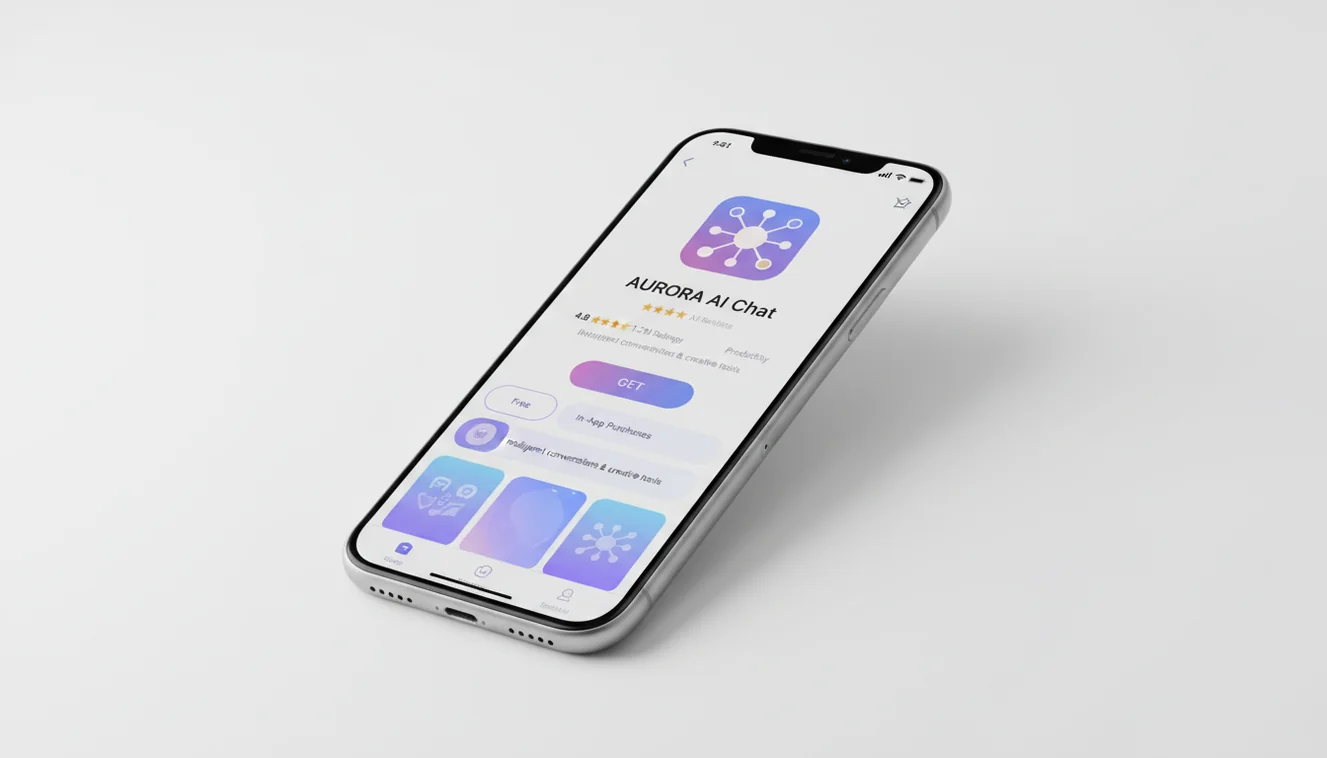
What's Inside the App
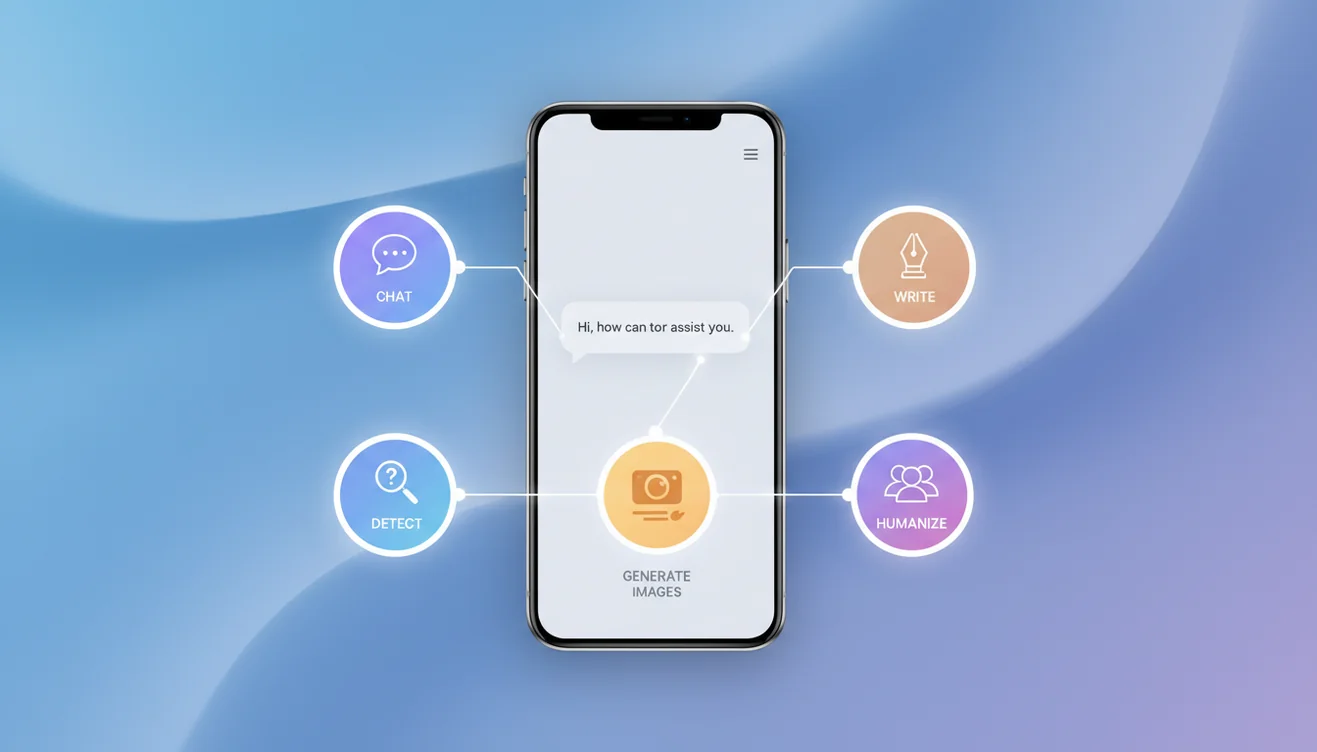
The ChatGOT app (AI Writer & AI Checker ACI) includes every tool available on the web platform plus mobile-optimized features. AI Chat for open-ended conversation and question answering. AI Writer for generating articles, emails, essays, and any long-form content. AI Image Generator for creating visuals from text prompts. AI Detector for checking whether text was AI-generated. AI Humanizer for rewriting AI text to sound natural. AI Identifier for recognizing objects, plants, and animals from photos. ChatPDF for analyzing and discussing document content.
Every tool shares the same clean interface. Switch between functions without losing your conversation context. Upload images directly from your camera roll or take new photos for instant analysis. Copy and share AI responses with a single tap. The app handles everything the web version does, with the added benefit of native iOS integration - share sheet support, push notifications for response completion, and Siri Shortcuts compatibility. No feature is locked behind a separate paywall. The subscription unlocks unlimited use of everything, not premium features gated from free users.
App vs. Website: What You Actually Get
Here's the honest comparison. The website gives you 20 free messages per day across all tools, works on any device with a browser, and requires zero installation. That's genuinely useful. The app gives you unlimited messages (with subscription), faster response delivery, offline history, push notifications, native camera integration for the AI Identifier, and an interface optimized for touch rather than adapted from desktop. Both use the same GPT-4o-mini model and produce identical AI quality.
The features that surprised me most weren't the obvious ones. It was the small things: being able to quickly share an AI response to iMessage without copy-pasting through a browser, having conversation history available offline during a flight, and the speed difference that comes from a native connection versus a browser tab that Safari might have suspended in the background. These aren't headline features, but they're the ones that make the app feel like a tool rather than a website shortcut on your home screen.
Who the App Is For
Students who use AI daily for study assistance, concept explanations, and essay drafting get the most value - the unlimited messaging removes the constraint that makes the free web tier feel like a demo during exam season. Content creators and freelance writers who rely on AI for first drafts, brainstorming, and editing benefit from faster responses and the ability to work on the go. Professionals who use AI throughout the day for email drafting, research summaries, and meeting preparation find the persistent offline history invaluable.
If you're someone who opened ChatGOT once, asked three questions, and moved on - the website is all you need. But if you've found yourself returning daily, hitting the message limit, and wishing you could keep going, the app is built for you. The subscription cost is a fraction of what competing apps charge for similar capabilities. ChatGPT Plus costs $20/month for premium model access. Claude Pro costs $20/month. The ChatGOT app gives you unlimited access to a complete multi-tool AI platform at a price point that makes the decision easy.
What Users Are Saying
The app carries a 4.8-star rating on the App Store from 20 ratings - a small but genuine sample from real users. Common praise focuses on the clean interface, the variety of tools bundled in one app, and the fact that it works immediately without a mandatory sign-up flow. The most frequent positive comment: "it just works." That sounds simple, but after downloading a dozen AI apps that require account creation, email verification, and a tutorial walkthrough before you can ask a single question, "it just works" is a feature in itself.
The most common request from reviewers is Android support, which is in development. Some users note that while GPT-4o-mini is fast and capable, they'd like the option to switch to more powerful models for complex tasks. These are fair points and reflect the app's current position - broad, accessible, and focused on reliability over bleeding-edge model performance. For 90% of what people do with AI daily, the current model delivers. The remaining 10% of edge cases are where dedicated single-purpose apps have an advantage.

What to Expect After Downloading
The app opens directly to the chat interface - no onboarding carousel, no mandatory tutorial, no "create your profile" screen. You can send your first message within seconds of launching. The free tier gives you access to every tool so you can explore before deciding whether unlimited messaging is worth the subscription. Conversations stay on-device in your history, organized by date, so you can pick up where you left off without re-explaining context. One thing worth noting: the first response after a fresh install may take a moment longer as the app establishes its initial server connection, but every response after that comes through noticeably faster than the browser experience.
Download Now
Ready to try it? Download AI Writer & AI Checker ACI from the App Store - it's free with no commitment. You can also use AI Chat on ChatGOT right now in your browser if you want to test the AI first. Whether you start on the web or the app, you're getting the same multi-tool AI platform built to be useful from the first message.