Why iPhone AI Apps Matter Now
The iPhone has become the primary device where most people first encounter AI. Not on a laptop, not through a browser bookmark - through an app they downloaded on a whim. That shift matters because mobile AI apps face constraints desktop versions don't: smaller screens, intermittent connections, touch-only input, and the expectation that everything works in under three seconds. The apps that thrive on iPhone are the ones built for that reality, not desktop tools awkwardly ported to a 6-inch screen. AI apps on iPhone have the same limitations as all AI - they can produce inaccurate responses and should not be used as sole sources for important decisions.
Apple's own entry into the space - Apple Intelligence with Siri upgrades, Writing Tools, Image Playground, Clean Up in Photos, and Visual Intelligence on iPhone 16 - has raised the baseline significantly. But built-in features only go so far. For open-ended AI conversation, content generation, and specialized tasks, third-party apps remain essential. I've been running six AI apps simultaneously on my iPhone for months, and the difference between the best and the rest is stark. Some feel native. Others feel like using a website with an app icon.
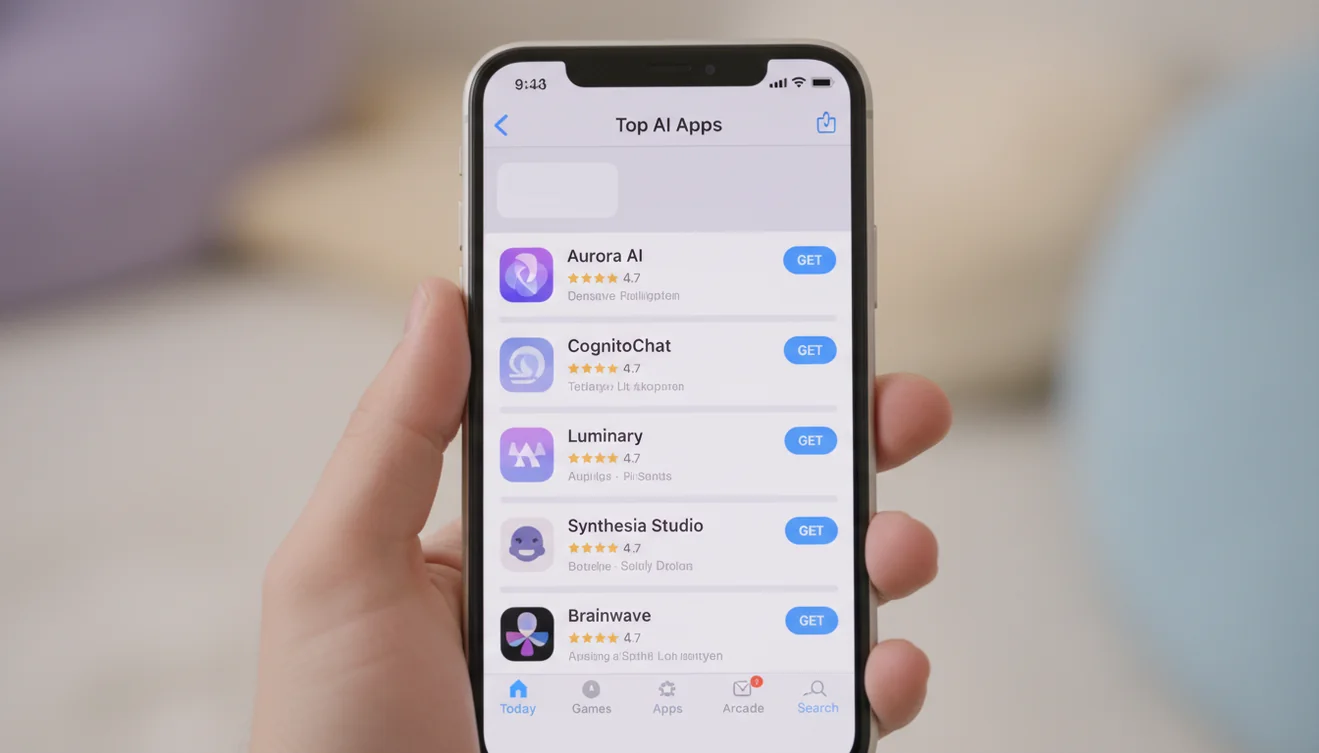
Top AI Apps for iPhone Ranked
This ranking prioritizes real iOS experience - how the app feels on iPhone, not just what the AI can do in theory. Load speed, touch interface quality, iOS integration features like widgets and ShareSheet, free tier generosity, and actual output quality all factor in. An app with a brilliant model that takes 8 seconds to load and doesn't support basic iOS conventions loses to a slightly less powerful app that feels like it belongs on your phone.
Apple-Specific Features That Matter
The iPhone isn't just another screen - it has ecosystem features that great AI apps actually leverage. ShareSheet integration lets you send text from Safari, Notes, or Mail directly into an AI app for analysis or rewriting. Home screen widgets provide quick-access shortcuts to specific tools without opening the full app. Siri Shortcuts let you trigger AI tasks with a voice command or a single tap. Haptic feedback, Face ID for sensitive conversations, and proper Dark Mode support are details that separate native-feeling apps from web wrappers.
ChatGOT's iOS app supports ShareSheet for text input, widget shortcuts for quick access to specific tools, and proper iOS keyboard handling including swipe typing. ChatGPT offers Siri integration for voice-triggered queries and a well-designed widget. Gemini connects to your Google account for personalized responses based on your email and calendar. These iOS-specific touches matter more than benchmark scores when you're using an AI app fifty times a day on your phone.
Free vs Paid AI Apps on iPhone
The pricing landscape for AI apps on iPhone is surprisingly varied. ChatGOT and Gemini offer the most generous free tiers - genuinely usable without paying. ChatGPT's free tier is functional but gates the best features behind Plus. Claude's free access is quality-limited rather than feature-limited. Perplexity gives solid free research with Pro unlocking premium models. The honest truth: most people can get real work done with ChatGOT's free tier or the ChatGOT app subscription and never need another AI app payment.
If you're going to pay for one AI app on iPhone, the ChatGOT app offers the broadest tool set per dollar - unlimited chat, writing, images, detection, and document analysis in one subscription. ChatGPT Plus is worth it if you need the absolute latest model capabilities and voice conversation. The rest are situational depending on whether you value research (Perplexity), reasoning depth (Claude), or ecosystem integration (Gemini).

How I Tested These iPhone AI Apps
Every app on this list was used on an iPhone 15 Pro running iOS 18 over a period of several months. I tested each for daily conversation, long-form writing, image generation, research accuracy, and iOS-specific integration. Speed was measured from tap-to-first-response. Interface quality was judged by how natural the app felt alongside native iOS apps. Free tier limits were tested by actually hitting them during real workflows, not by reading marketing pages. An app that sounds good on paper but frustrates you on the tenth use doesn't belong on a best-of list.
Download the Best AI App for iPhone
Ready to try the top-ranked AI app on your iPhone? AI Chat on ChatGOT works instantly in your mobile browser - no download needed for a quick test. For the full experience with unlimited access and every tool, download the AI Chat app from the App Store. It's the most complete AI toolkit available on iPhone, built for the way you actually use your phone. One app, every AI tool, zero friction. ChatGOT was built to be the only AI app you need on your home screen.
