What Is an AI Writer
An AI writer is a tool that uses large language models to generate written content from a natural language prompt. You describe what you want - an article topic, an email purpose, a product description - and the AI produces a structured, coherent piece of text. It doesn't copy from a database of templates. Each output is generated dynamically, word by word, based on patterns the model learned during training on billions of text samples.
The technology behind AI writing tools is the same transformer architecture that powers ChatGPT and similar systems. These models excel at producing grammatically correct, logically structured prose across virtually any subject. They adapt tone, format, and complexity based on your instructions. The result is a tool that can handle the mechanical work of writing - the blank-page problem, the structural scaffolding, the first-draft drudgery - while leaving the strategic and creative decisions to you. AI-generated writing may contain factual errors or generic phrasing. Users should review and edit all AI output before publishing or submitting.

How the ChatGOT AI Writer Works
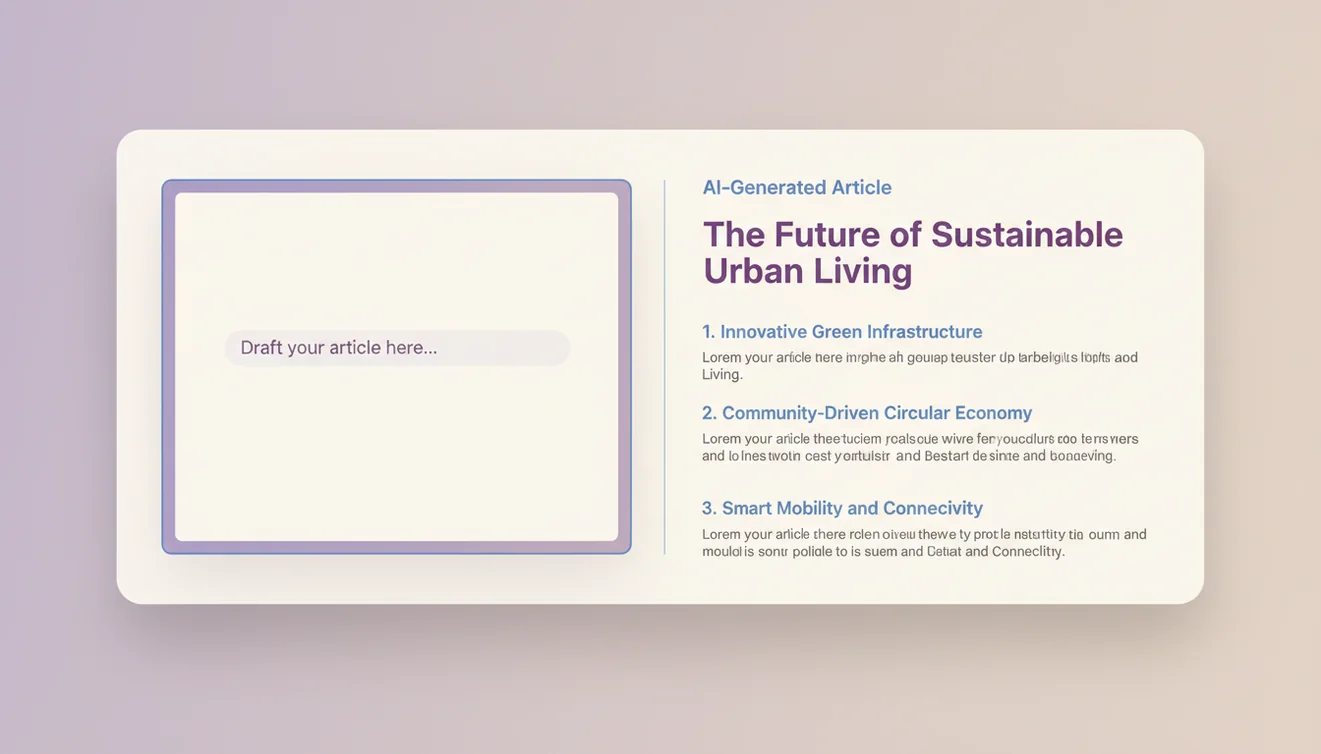
Type your instructions into the box above. Be as specific or as general as you want. Hit "Write." The AI processes your prompt, generates a full piece of content, and displays it within seconds. That's it. No sign-up, no paywall for basic use, no five-step onboarding wizard.
What I've learned from using AI writers daily for over a year: the prompt is everything. "Write a blog post" gives you 500 words of mediocre filler. "Write a 1000-word blog post about onboarding mistakes SaaS companies make, written for a VP of Product audience, with specific examples and a slightly informal tone" gives you something genuinely useful. The model mirrors the effort you put into the instruction. Lazy prompts produce lazy content. Precise prompts produce surprisingly good drafts.
Under the hood, ChatGOT sends your prompt to a language model with system instructions optimized for content generation. The model considers your topic, requested format, and any style guidance, then generates the content autoregressively - each word informed by everything that came before it. The process favors coherence and relevance over raw creativity, which is exactly what you want for most writing tasks.
What the AI Writer Actually Does Well
First drafts. That's where this tool earns its keep. The hardest part of writing for most people isn't editing - it's staring at a blank page. An AI writer eliminates that entirely. You get a structured starting point in seconds, and from there you're editing instead of creating from nothing. Editing is faster. Editing is easier. And honestly, editing an AI draft often produces better results than what you'd have written from scratch, because the structure forces you to think about what's missing rather than what to add.
Use cases that consistently deliver good results: email drafts (professional, follow-up, cold outreach), blog post outlines and first drafts, product descriptions, social media captions, cover letters, meeting summaries, and FAQ content. The AI Text Generator handles shorter-form content well. For longer pieces, the AI writer's ability to maintain structure and coherence across paragraphs is where it shines.
I've seen content teams cut their production time by 40-60% using AI writers for first drafts. That number isn't theoretical - it comes from watching marketers, freelancers, and agency teams adopt these tools over the past two years. The writers who resist usually come around once they realize AI doesn't replace their voice; it replaces the part of the process they hate most.
Integrating AI Writing Into Your Workflow
The writers getting the most value from AI tools aren't using them in isolation - they've built the AI into a repeatable workflow. A common pattern: brainstorm topics manually, use the AI to generate three different outlines, pick the strongest structure, then have the AI draft each section individually with specific instructions per section. The key insight is treating the AI as a collaborator in a multi-step process, not a magic box that turns one prompt into a finished article. Shorter, more targeted prompts per section consistently produce better output than a single "write me a 2000-word article" request.
Editing AI Drafts and Matching Your Voice
Raw AI output almost always needs editing, and knowing where to focus saves time. Start by cutting the filler - AI writers pad with transitional phrases like "it's important to note" and "in today's fast-paced world" that add nothing. Next, inject specificity: replace generic examples with real ones from your experience or industry. Finally, adjust the rhythm. AI prose tends toward uniform sentence length, which reads as flat. Varying between short punchy sentences and longer explanatory ones makes the text feel human.
Voice matching is the hardest part. If you have an existing body of writing, paste a sample into the prompt and ask the AI to match that style. It won't nail it perfectly, but it gets close enough that your edits shrink from a rewrite to a polish. Pay attention to vocabulary preferences - do you say "use" or "leverage," "problem" or "challenge," "buy" or "purchase"? These small word choices are what readers subconsciously recognize as your voice, and the AI can learn to mirror them if you explicitly include them in your instructions.
Limitations You Should Know
AI-generated writing has a signature. Uniform sentence length. Certain overused transitions ("Furthermore," "Additionally," "It's worth noting"). A tendency toward safe, middle-of-the-road takes. If you paste raw AI output into a blog and hit publish, readers will notice - and so will AI detection tools. The AI Humanizer can help with the stylistic flatness, but the best fix is human editing. Add your own examples. Cut the filler. Make it sound like you.
Factual accuracy is the bigger concern. The AI can state something confidently that is completely wrong - a made-up statistic, a misattributed quote, a date that's off by a decade. It doesn't verify claims against sources. It generates text that sounds right. Those are different things. Always fact-check AI output before publishing, especially for topics involving data, current events, or specialized fields.
AI Writer App
The ChatGOT AI writer is available for free on the web and as a native iOS app with unlimited access. The mobile app lets you write anywhere - commute drafts, quick email rewrites, brainstorming sessions away from your desk. Download the AI Chat app to access the AI writer with no daily limits.